Scyber Quick Start
Follow along if you want to understand some of the key features and benefits of the Scryber.Core library. Here we add the package and build out a data template with dynamic styling and some repeating content. Based on your knowledge level you may then want to dive straight into your own use-cases to complete, or review the reference section to understand supported features.
Adding Scryber.Core
Whilst Scryber is open source and the code can be downloaded and built locally, the easiest way is to add the nuget package to a new or existing project. Consult your own IDE documentation if you are not sure how to do this, or add the package from the command line in the project folder.
dotnet add package Scryber.Core
The package is located at https://www.nuget.org/packages/Scryber.Core
If you are focussed on MVC or Web development, then you can use the Scryber.Code.Mvc package, the adds helpers and extra support for sending PDF’s as responses to requests, and other capabilites. It also includes a reference to the matching Scryber.Core package.
dotnet add package Scryber.Core.Mvc
The package is located at https://www.nuget.org/packages/Scryber.Core.Mvc
Create a template file
The first thing we can do is add a simple html template file (the ubiquitous Hello World) as a starter and call the file ‘Hello.html’.
Hello.html
Save the file, and we can generate our first PDF.
Scyber will accept streams, text readers and xml readers so you can load from many different sources (or resources), but for this example it makes sense to use a file (it doesn’t even need to have the ‘.html’ extension, use ‘.config’, and it will never be sent over a web server).
Generate our first template
At an approprite location within your code, either responding to an event firing, or web request add the following
PDF Generation
        //using Scryber.Components

        var input = "hello.html"; //Load the HTML template from a file (or open stream, or text reader)
        using var doc = Document.ParseDocument(input); //read the template

        using var output = new FileStream("hello.pdf", FileMode.Create); //create the stream to write to.
        doc.SaveAsPDF(stream); //write the pdf file.
Viewing the result
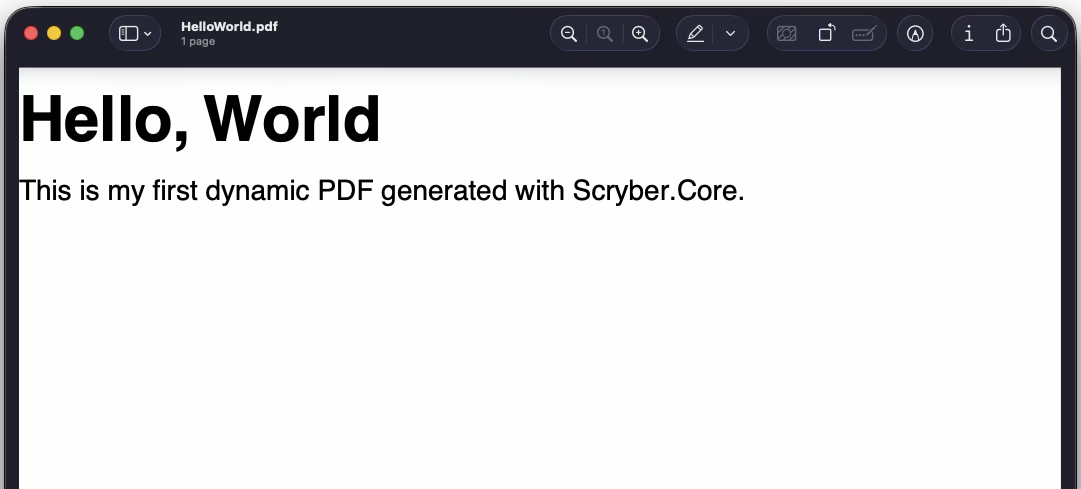
The resultant file should now be able to be opened in any PDF Viewer application or browser, and should look like this.
Making it dynamic
In the original template you may have noticed a few {{handlebar}} expressions such as {{user.firstName ?? "World"}} within the template. Scryber is using these to evaluate at runtime values provided to the document instance. The ?? is a Null Coalescing operator that will provide the second value "World" if the first - the user.firstName object property reference - is null.
With scryber we can now easily provide the dynamic data to the document using its Params property.
Add our user
        var input = "hello.html";
        using var doc = Document.ParseDocument(input);

        //set the user to an instance (or JSON) value
        doc.Params["user"] = new { firstName = "John", lastName = "Smith" };

        using var output = new FileStream("hello.pdf", FileMode.Create);
        doc.SaveAsPDF(stream);
Checking the result
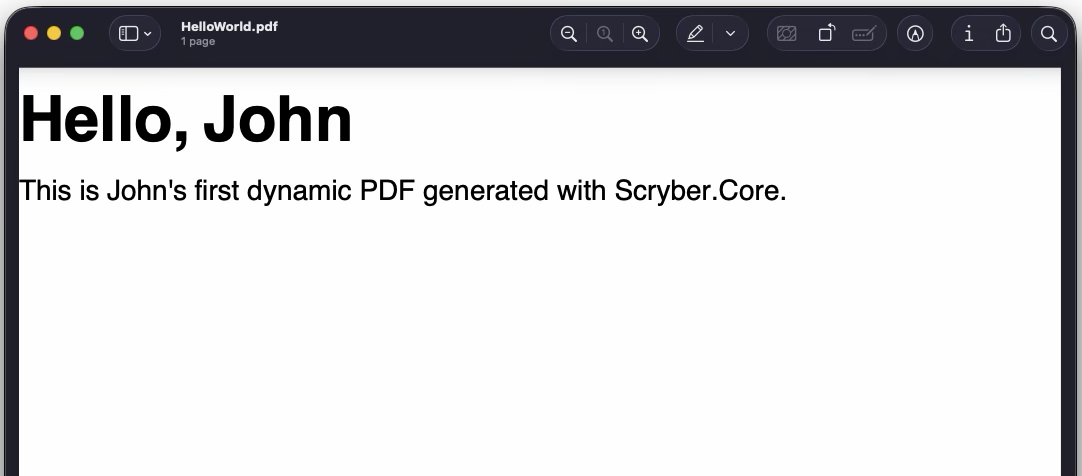
If we generate again, our World should now be John, and I know he appreicates that!
Getting into the power
This is a very simple example, as all Hello Worlds should be, but we can easily take it to a new level with the same template.
If our data model is expanded to include some personal information, and a collection of friends. And we want to
        //using Scryber.Components

        // Load the HTML template from a file, or stream, or text reader
        var doc = Document.ParseDocument("hello.html");

        // Add your data.
        doc.Params["user"] = new
        {
            firstName = "John", lastName = "Smith",
            sightImpared = true,
            friends = new [] {
             new { firstName = "Bill", lastName = "Jones", stillFriends = true, },
             new { firstName = "Sarah", lastName = "Jones", stillFriends = true, },
             new { firstName = "James", lastName = "Long", stillFriends = true, },
             new { firstName = "Sam", lastName = "Elsewhere", stillFriends = false, }
             }

        };

        doc.Params["brand"] = new { color = "rgb(0, 168, 161)",
                            lightColor = "rgb(144, 227, 223)",
                              logo = "https://www.paperworkday.info/assets/PaperworkTransparent.svg",
                              strapLine = "<span>We make documents <b><i>much</i> easier</b> for you</span>"
                              }

        // Generate the PDF to a file, a stream or a response.
        using (var stream = new FileStream("hello.pdf", FileMode.Create))
        {
            doc.SaveAsPDF(stream);
        }
hello.html
hello_styles.css
Updated parameters